The biggest problem in AI video
Ask any AI filmmaker what goes wrong and the answer is almost always the same: the character changes. The hero has a different face in scene two, the jacket turns from red to brown, the child suddenly looks ten years older. It breaks the story instantly.
It happens because a text prompt is not a character. "A woman with short dark hair in a red coat" describes thousands of different people, and the model picks a new one every time.
Characters as references, not descriptions
In Poiema, every character is a real entry in your project's lorebook, with:
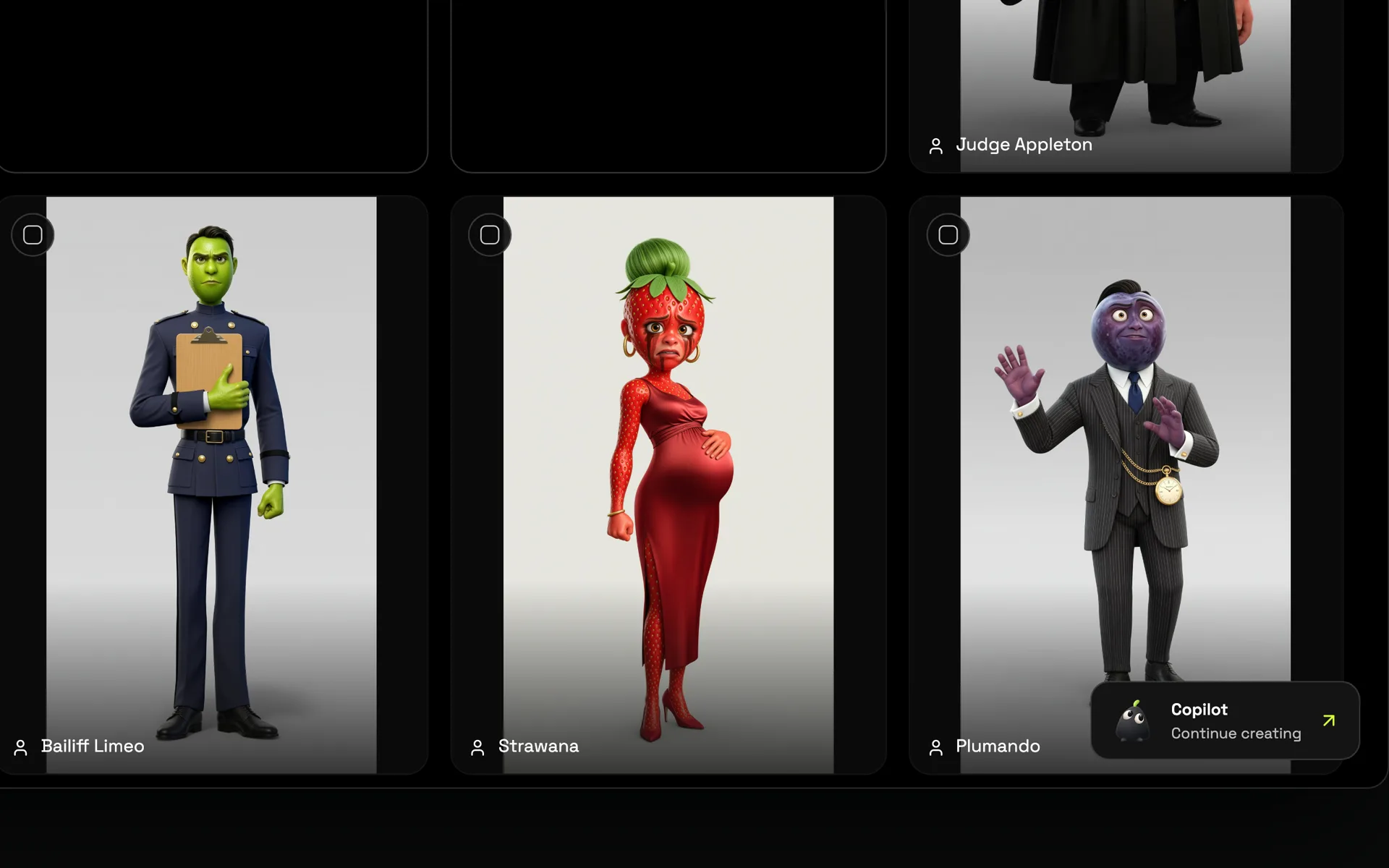
- A reference sheet showing the character clearly, which you can generate or upload
- Named looks, such as "work suit" or "rain gear", each with its own references
- A description used for context, not as the only source of truth
When a shot includes a character, Poiema uses their references for that shot, in the look you chose. The model is shown who the character is instead of being told.
Locations and props stay consistent too
A believable film needs more than consistent faces. The café has to have the same counter; the getaway car has to be the same car. Locations and props get their own reference images in the lorebook and are used in every shot they appear in.
Changes that are meant to happen
Stories change people. A character gets soaked in the rain, changes into a disguise or leaves a fight with a torn sleeve. Named looks let those changes happen on purpose: choose the look for each shot, and the character wears what the story says, no more and no less.
Consistency across a whole series
Because the cast lives in the project, not in a single prompt, every episode of a series uses the same characters. Your audience meets the same hero in episode one and episode ten.
Tips for the most consistent results
- Start with a clean reference. A clear, well-lit character sheet with a neutral background works best.
- Use looks for outfit changes instead of describing the new clothes in the shot text.
- Keep one character per reference. Group shots work better when each character has their own sheet.
- Let the style do the rest. A consistent film style keeps lighting and rendering matched between shots.
For a deeper walkthrough, read the guide on keeping characters consistent in AI video.