Every AI filmmaker hits the same wall. The first shot is perfect. The second shot has a different person in it. By the fifth, your hero has changed age, hairstyle and jacket twice. This guide explains why it happens and walks through a system that keeps characters consistent across a whole film.
Why characters drift
AI image and video models do not remember. Every generation starts again from what you give it. If all you give it is text, the model has to invent the character from the description every time, and a description is never specific enough:
"A young man with curly hair, a denim jacket and a friendly face."
That sentence describes millions of people. The model picks one per generation, so you get a different one per shot.
Small details drift first: eye colour, jewellery, the pattern on a shirt. Then the big ones go: face shape, age, build. The more shots you make, the further it wanders.
The fix is to stop describing characters and start showing them.
Step 1: Make a clean reference sheet
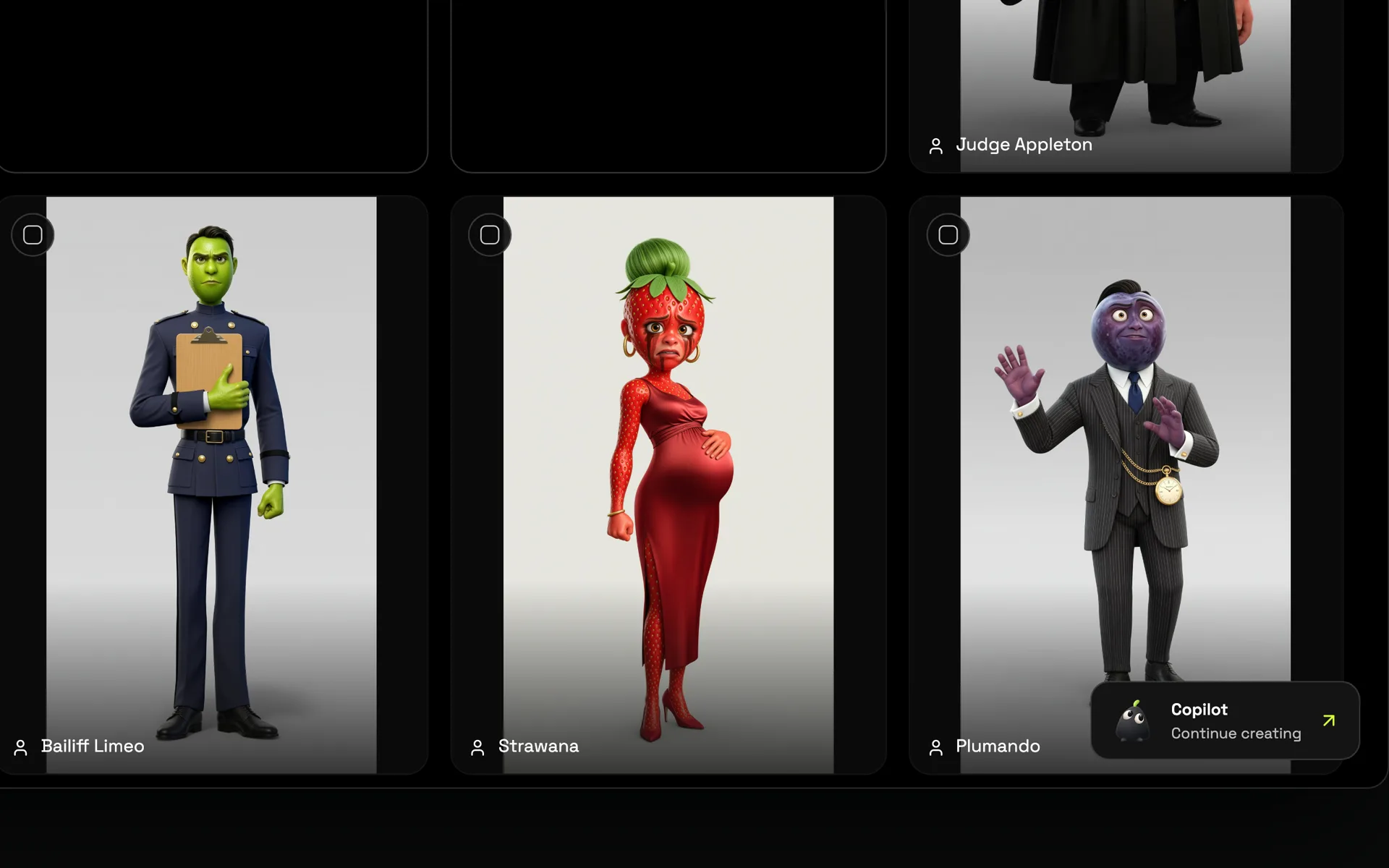
A reference sheet is an image the model can look at every time the character appears. A good one has:
- One character only. Group images confuse which face belongs to whom.
- Clear, even lighting. Harsh shadows get copied as part of the face.
- The full face and outfit visible. A head-and-shoulders shot or a full-body pose.
- A plain background. So the model learns the character, not the room.
- The same style as the film. A photoreal reference for a photoreal film, a 3D render for a 3D film.
In Poiema, each character in your project's lorebook has a reference sheet you can generate, refine or upload. Read how it works on consistent AI characters.
Step 2: Turn outfits into named looks
The most common consistency break is clothing. You write "she changes into a black dress" in one shot, and suddenly her face changes too, because the model is reinventing her.
Treat each outfit as a look with its own reference image:
| Look | When it's used |
|---|---|
| Office suit | Scenes 1 to 3 |
| Rain-soaked suit | Scene 4, after the storm |
| Black dress | Scenes 5 and 6 |
Then pick the look for each shot. The character's identity stays the same; only what the story changes, changes.
Step 3: Give locations and props references too
Consistency isn't only about faces. If the café changes layout between shots, or the red car turns maroon, the film breaks just as badly. Create references for:
- Key locations, shown once in a clear establishing view
- Important props, such as the car, the sword or the locket
- Products, if you are making an ad
Step 4: Keep one visual style
Mixing styles makes consistency impossible. A character rendered photoreal in one shot and painterly in the next reads as two people. Choose one style for the whole film and keep it. In Poiema the style is set per project and applied to every shot.
Step 5: Put every character's reference into every shot they're in
This sounds obvious, but it's where manual workflows fail: you forget to attach the reference on shot 23. The reliable approach is a system that attaches references automatically based on who is in the shot.
Poiema does this from your shot list. When a shot includes a character, their current look's reference goes into the generation, along with the location and props in the scene.
Step 6: Plan shots that help the model
Some shots are harder to keep consistent than others:
- Extreme wides show faces too small to hold identity. Follow them with a closer shot.
- Profile and back views give the model less to match. Use them for movement, not for introductions.
- Crowds make it hard to keep the hero distinct. Keep the main character large in frame.
- Very long clips give identity more time to drift. Two shorter shots often beat one long one.
Step 7: Choose models that use references well
Models that accept reference images hold identity much better than text-only generation. When you choose a model for a shot, prefer one that supports reference images or a first frame. Because your references travel with the character, you can switch models between shots without losing them.
Step 8: Review like a continuity supervisor
Before you move on, check each shot against the reference:
- Same face shape, eyes and hairline?
- Same outfit and accessories for this look?
- Same location details as the last shot?
- Props in the same state (the cup still half full, the door still open)?
Regenerate only the shots that break. It is faster than fixing them in the edit.
The system in one line
Show, don't tell: one clean reference per character, one look per outfit, references for places and props, one style, and references attached to every shot automatically.
Ready to try it? The AI film studio keeps your whole cast in one project, and the guide to making an AI short film shows where consistency fits in the full process.