Why films need more than a video generator
A film is not one clip. It is dozens of shots that have to agree with each other: the same face in every scene, the same street at night, the same jacket after the fight. Generating clips one at a time in a chat box makes that almost impossible, because each prompt starts from nothing.
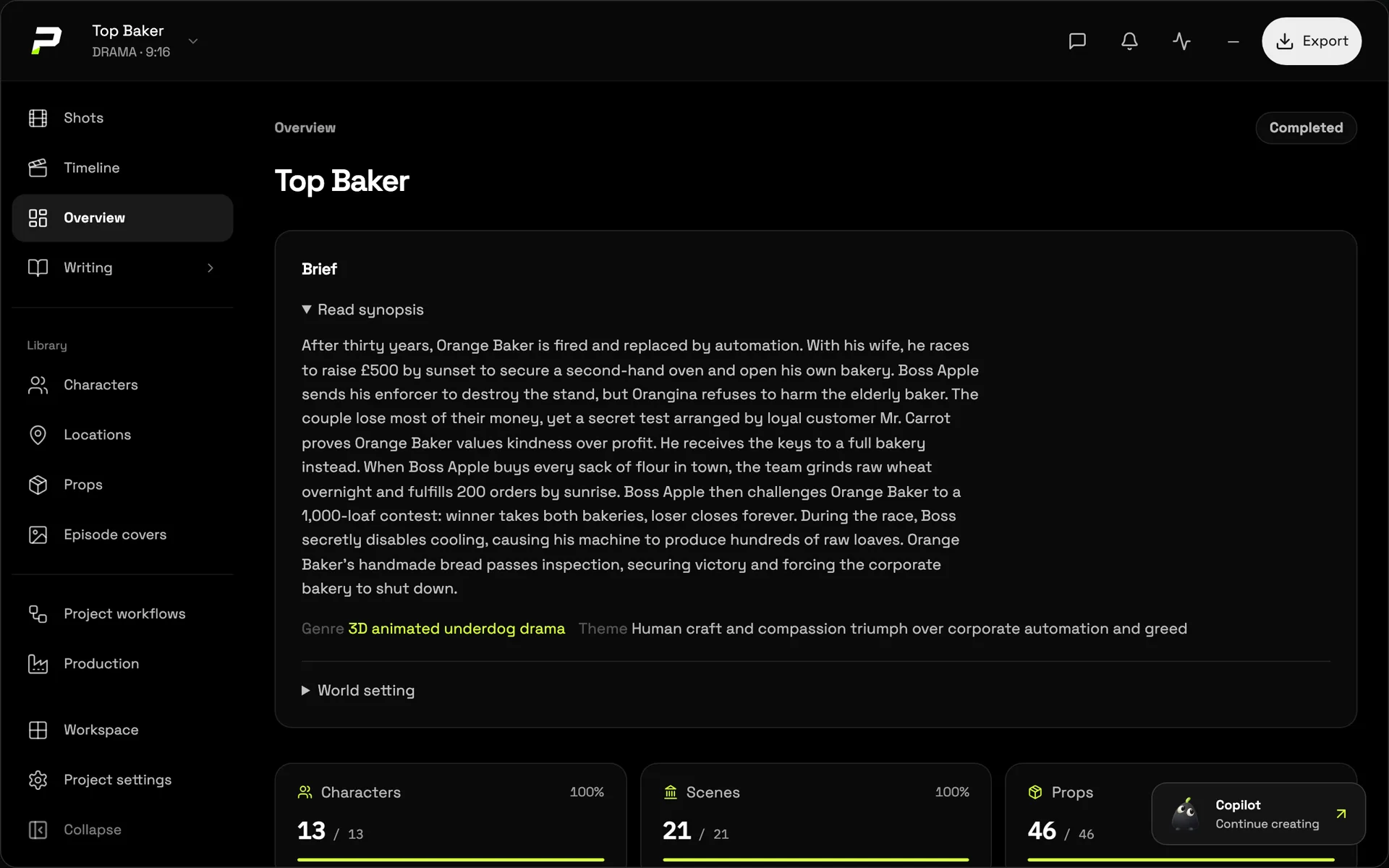
Poiema is built around the project, not the prompt. Your script, cast, locations, props, visual style and every generated shot live together, so each new shot is made with everything the film already knows.
From an idea to a finished film
- Start with a script or an idea. Paste a screenplay, a story or a one-line premise into a new project.
- Let Pip break it down. Pip, your AI Copilot, reads the story and builds the cast, the locations, the props and a shot list, with camera and lighting direction for each shot. See how in script to video.
- Choose the look. Pick from more than 200 film styles, from live-action realism to clay, anime and 3D animation. The style shapes camera movement, acting and pacing, not only colour.
- Design your characters once. Each character gets reference images and outfits, used in every shot they appear in. Read more about consistent AI characters.
- Direct and generate each shot. Review the storyboard, choose the model for each shot, generate, and keep the take you love.
- Assemble and share. Add voice-over, put the shots in order and export the finished video, or send it to CapCut for a final edit.
Everything a production needs, in one place
| Stage | In Poiema |
|---|---|
| Writing | Paste a script or build one with Pip from a premise |
| Casting | Characters with reference sheets and named looks |
| World building | Locations and props with their own reference images |
| Visual style | 200+ film styles that set camera, acting and pacing |
| Storyboarding | A frame or reference plan for every shot |
| Shooting | Veo, Kling, Seedance, Runway and more, chosen per shot |
| Sound | AI voice-over with ElevenLabs and Cartesia voices |
| Editing | Assemble the sequence, export video, or open it in CapCut |
The right model for every shot
No single AI video model is best at everything. Some handle dialogue and lip movement well, some are better at fast action, some at stylised animation. Poiema lets you pick the model shot by shot, while your characters and locations travel with you, so switching models does not mean starting over.
Made for creators, studios and brands
- Storytellers and animators making short films, web series and animated stories.
- Creators producing episodic content for TikTok, YouTube and Instagram.
- Brands and agencies making ads with consistent products and characters. See the AI ad generator.
Start with one scene
You do not need a finished script to begin. Start a project with a single scene, meet your cast, and grow the story from there. When you are ready for a longer piece, our guide to making an AI short film walks through the whole process.