Animation is about staying on model
Animators call it staying on model: a character has to look like themselves in every frame, from every angle, in every scene. It is also where most AI animation falls apart. Generate a cartoon fox twice and you get two different foxes.
Poiema was built to fix that. Your characters are designed once, with reference images and outfits, and those references go into every shot. The style you choose applies to the whole film. The result is animation that feels like one production instead of a collage.
A style that directs the whole film
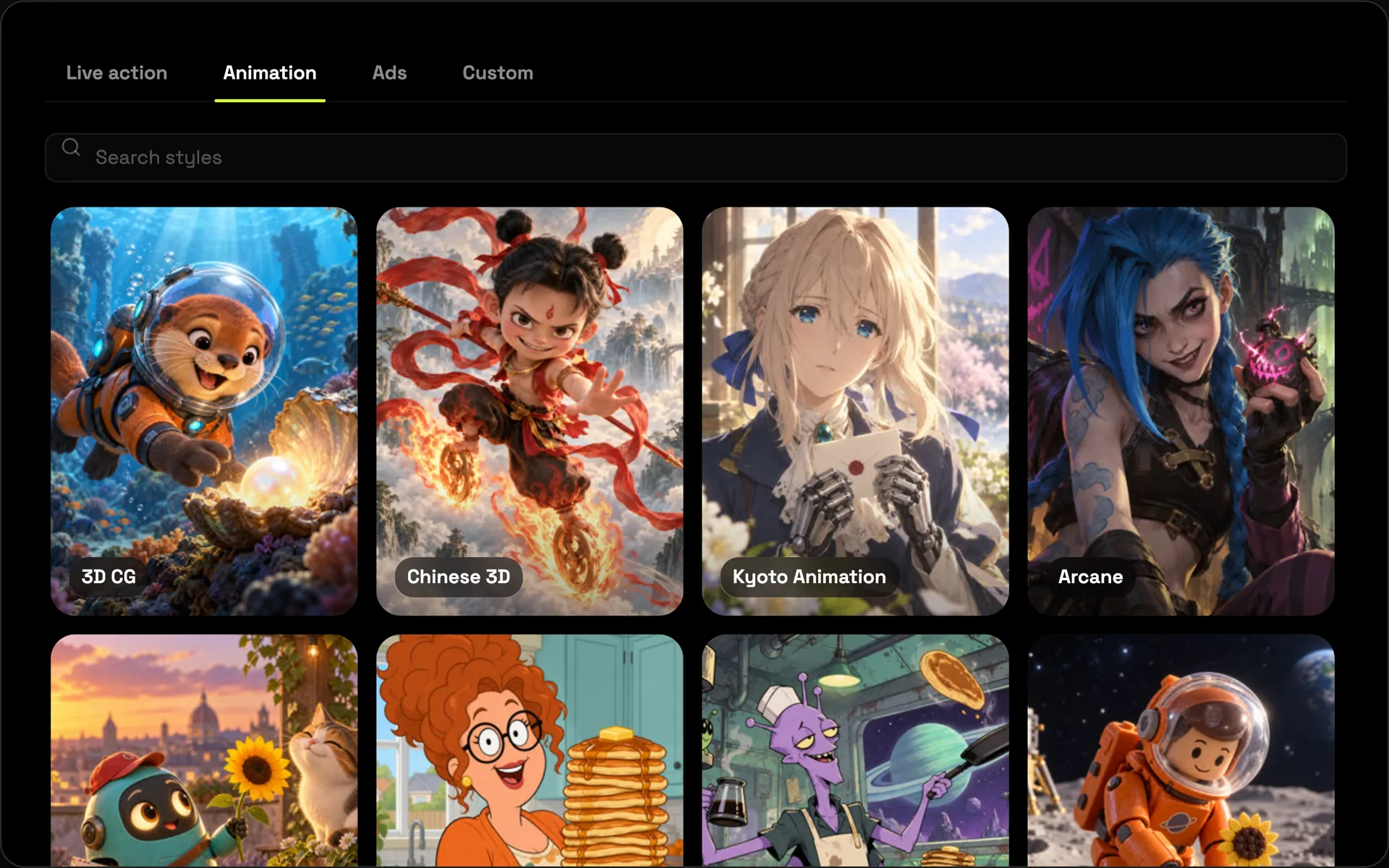
Choosing a style in Poiema does more than change the colours. Each of the 200+ styles carries its own direction: how the camera moves, how characters act, how fast scenes are cut. A clay stop-motion film moves differently from a glossy 3D feature or a hand-drawn anime, and Poiema directs each shot accordingly.
Popular animation looks include:
- 3D animation with soft light and expressive characters
- Anime with bold framing and dynamic action
- Clay and stop motion with tactile, handmade texture
- Cartoon and 2D with clean shapes and snappy timing
- Stylised realism for grounded, cinematic worlds
How to make an animated short
- Start a project with a script, a story or a one-line idea.
- Pick the style that fits your story.
- Design your cast. Generate character sheets and looks, or upload your own designs.
- Plan the shots with Pip, your Copilot, or write them yourself.
- Animate each shot with the video model that suits it, from Veo and Kling to Seedance.
- Add voices and assemble the finished film.
The guide to making an AI short film covers each step in depth.
Bring a still to life
Not every idea needs a full project. In the Creative Studio you can:
- Animate an image into a short video clip
- Move a character with Motion Control, copying the motion from a reference video onto your character
- Edit a clip by describing what should change
Built for animated storytelling
- Short films and festival shorts
- Animated series for YouTube and TikTok
- Children's stories and fairytales
- Mascot and brand character animation
Keeping characters consistent is the hardest part of AI animation. Read how Poiema handles it on consistent AI characters.