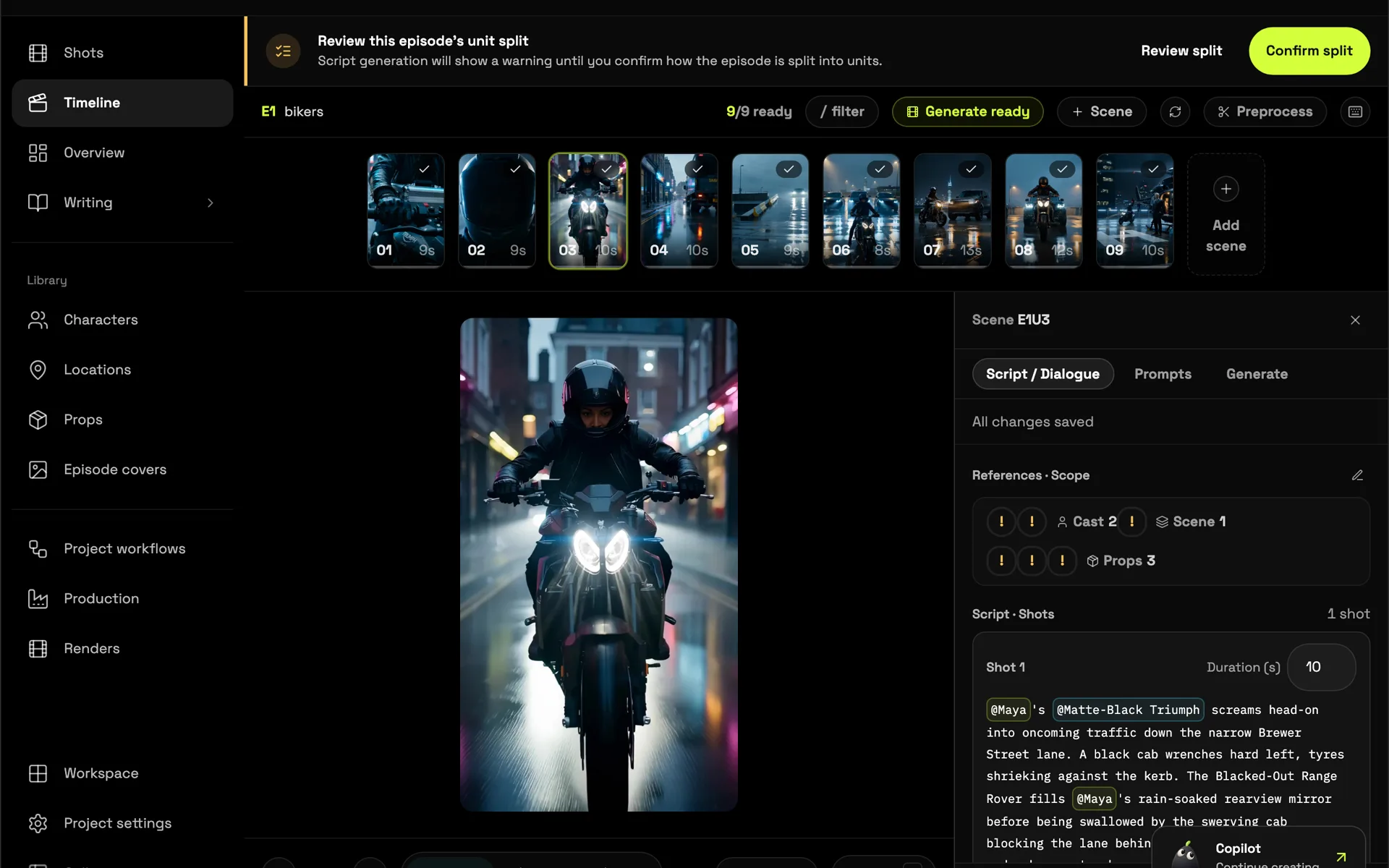
Why storyboard first
Storyboards let you find the film before you spend time and money making it. You can see whether a scene reads, whether the coverage works and whether the pacing holds, while changes are still cheap.
With AI video, storyboarding matters even more. A clear first frame for each shot gives the video model a precise starting point: the right characters, in the right place, lit the right way. The shot starts from your composition instead of a guess.
How storyboarding works in Poiema
Plan the shots
Paste a script and Pip, your Copilot, breaks each scene into shots. Every shot gets a description of the action, the framing, the camera move, the lighting and who is in frame. You can edit any of it.
Generate a frame for every shot
Poiema generates a storyboard frame for each shot, using your characters', locations' and props' reference images. The result is a board where the cast looks the same from the first panel to the last.
Review and refine
Read the board like a director. Swap a wide for a close-up, move the camera, change the time of day or rewrite a beat, then regenerate just the frames that changed.
Animate the board
When the board works, each frame becomes the first frame of its video shot. Choose the video model for each shot and generate. Prefer to work from references instead of a fixed first frame? Reference mode builds each shot from your character, location and prop sheets.
What each shot plan includes
| Part of the shot | What Poiema plans |
|---|---|
| Framing | Shot size and angle, from extreme wide to close-up |
| Camera | The move for the shot, such as a push-in, pan or tracking shot |
| Action | What happens, beat by beat |
| Lighting | Key light, mood and time of day, kept consistent with the scene |
| Cast | Which characters appear, with their current looks |
| Dialogue | The exact lines spoken in the shot |
Who uses AI storyboards
- Filmmakers pre-visualising a short or a pitch before a live shoot
- Animators planning coverage and pacing
- Agencies showing a client an ad concept before production
- Writers seeing how their script plays on screen
See the full process in script to video or the guide to turning a script into a video with AI.